Everything you need, nothing you don't
Install, run and share a Minecraft server without touching a config file.
Set up in a minute
A plain-language wizard: choose vanilla, Paper plugins or Fabric/Forge/NeoForge mods and the version. Cubi downloads everything and starts the server.
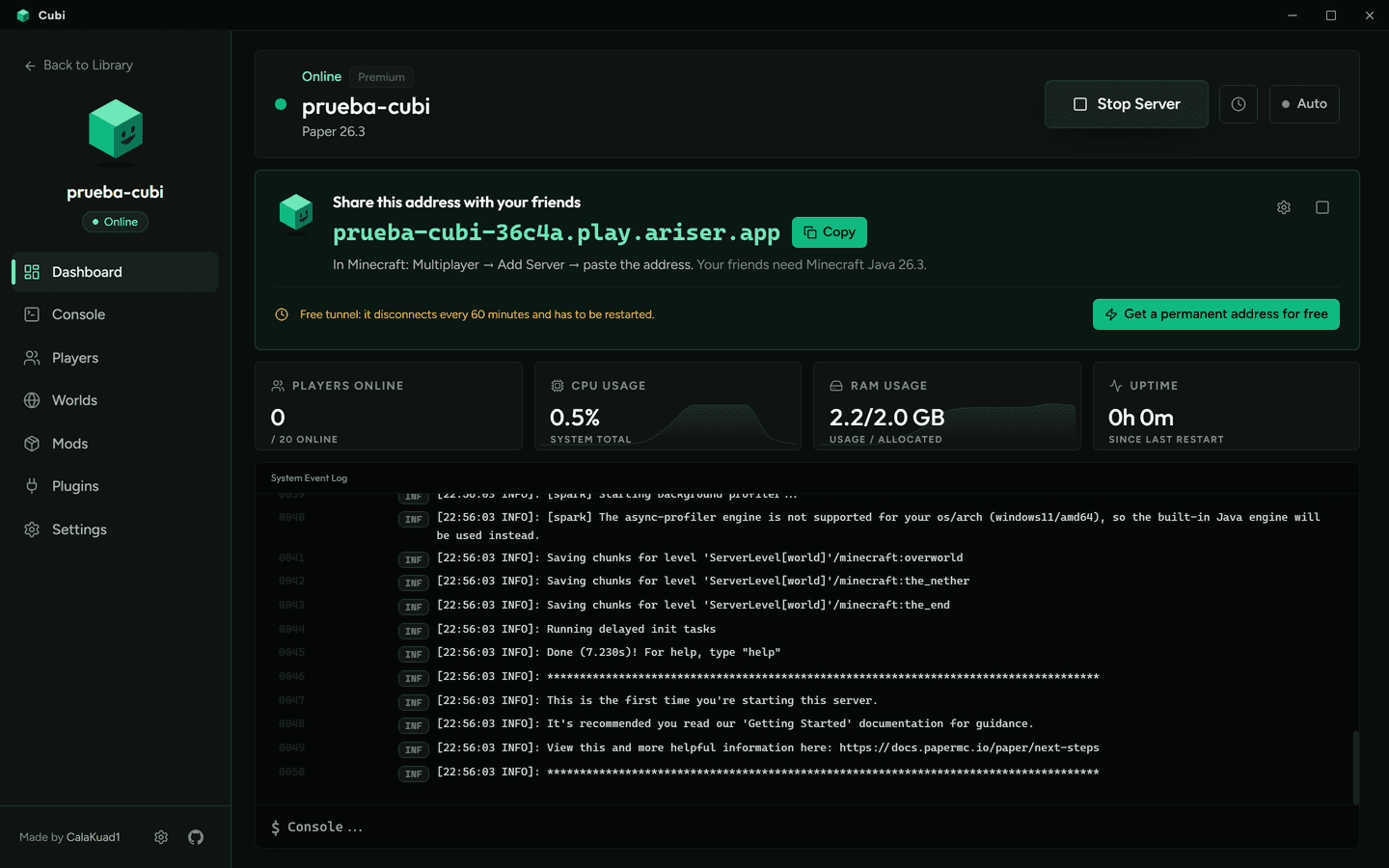
A public address, no router setup
Free permanent address with playit.gg (one-click link) or a quick tunnel. A big “share this address” card with a Copy button.
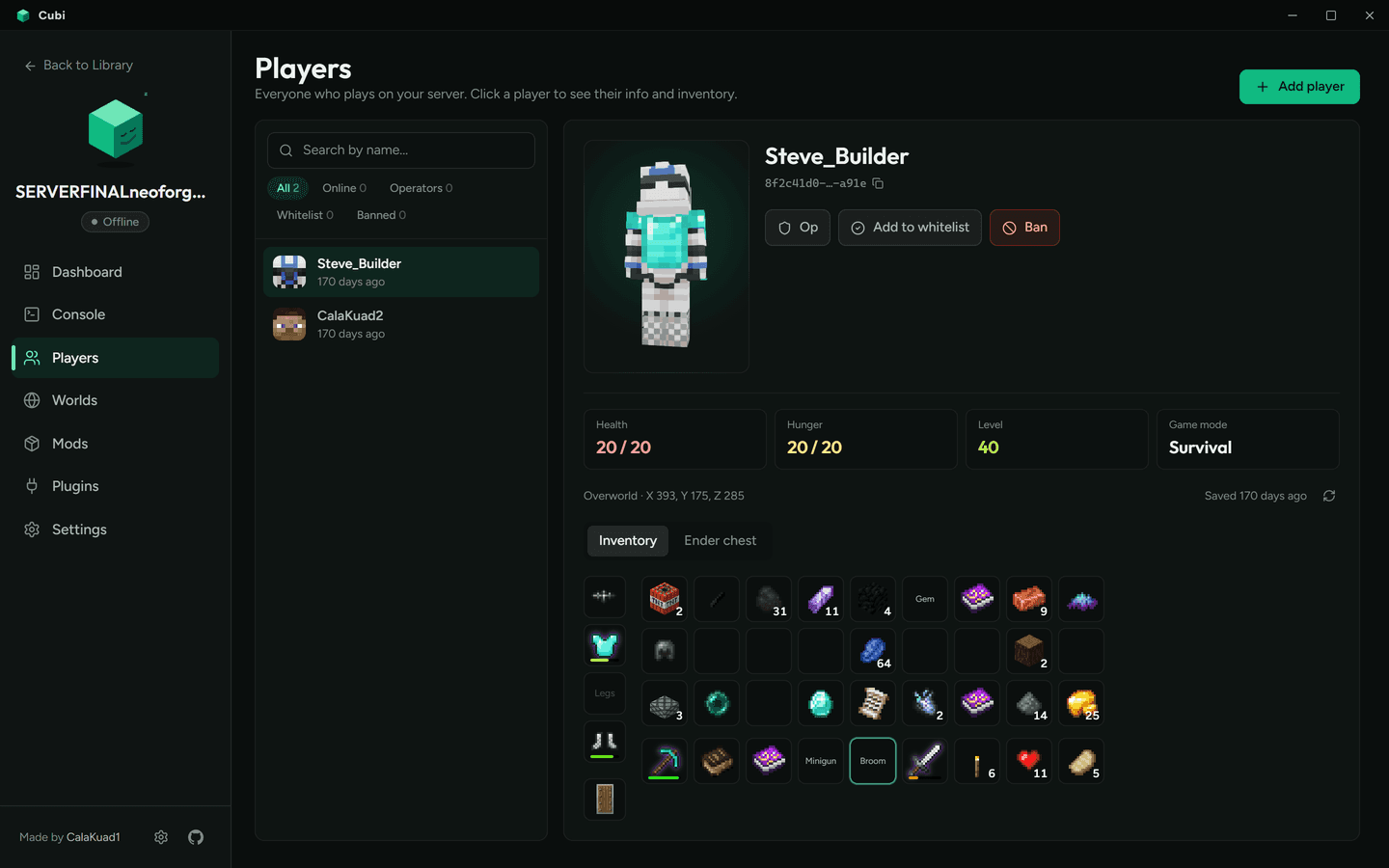
Players, skins and inventories
3D skins with the armor they wear, stats, inventory and ender chest with real item icons generated on your PC from the official game files.
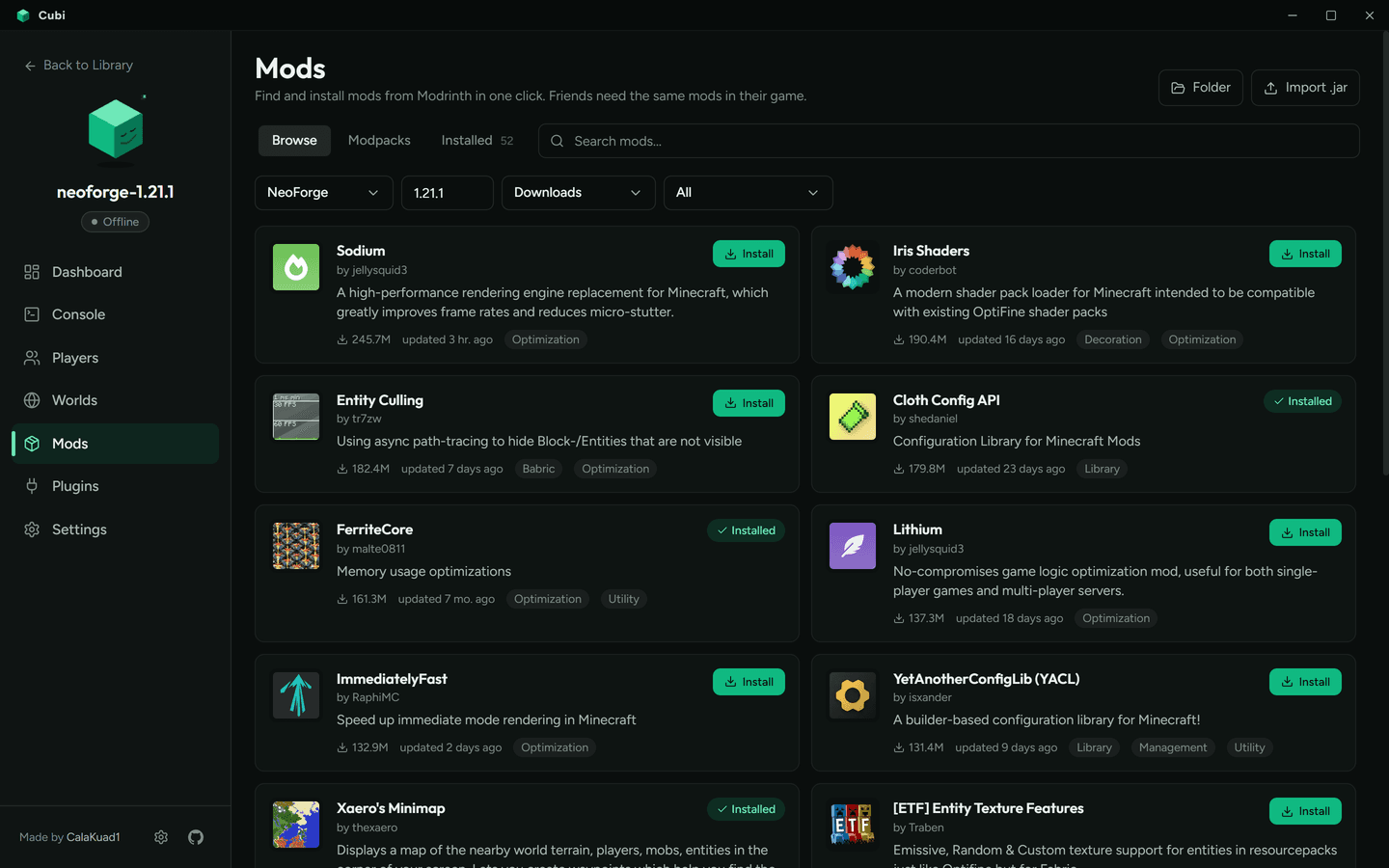
Mods, plugins and modpacks
Browse and install from Modrinth with progress per item, filtered by loader and version.
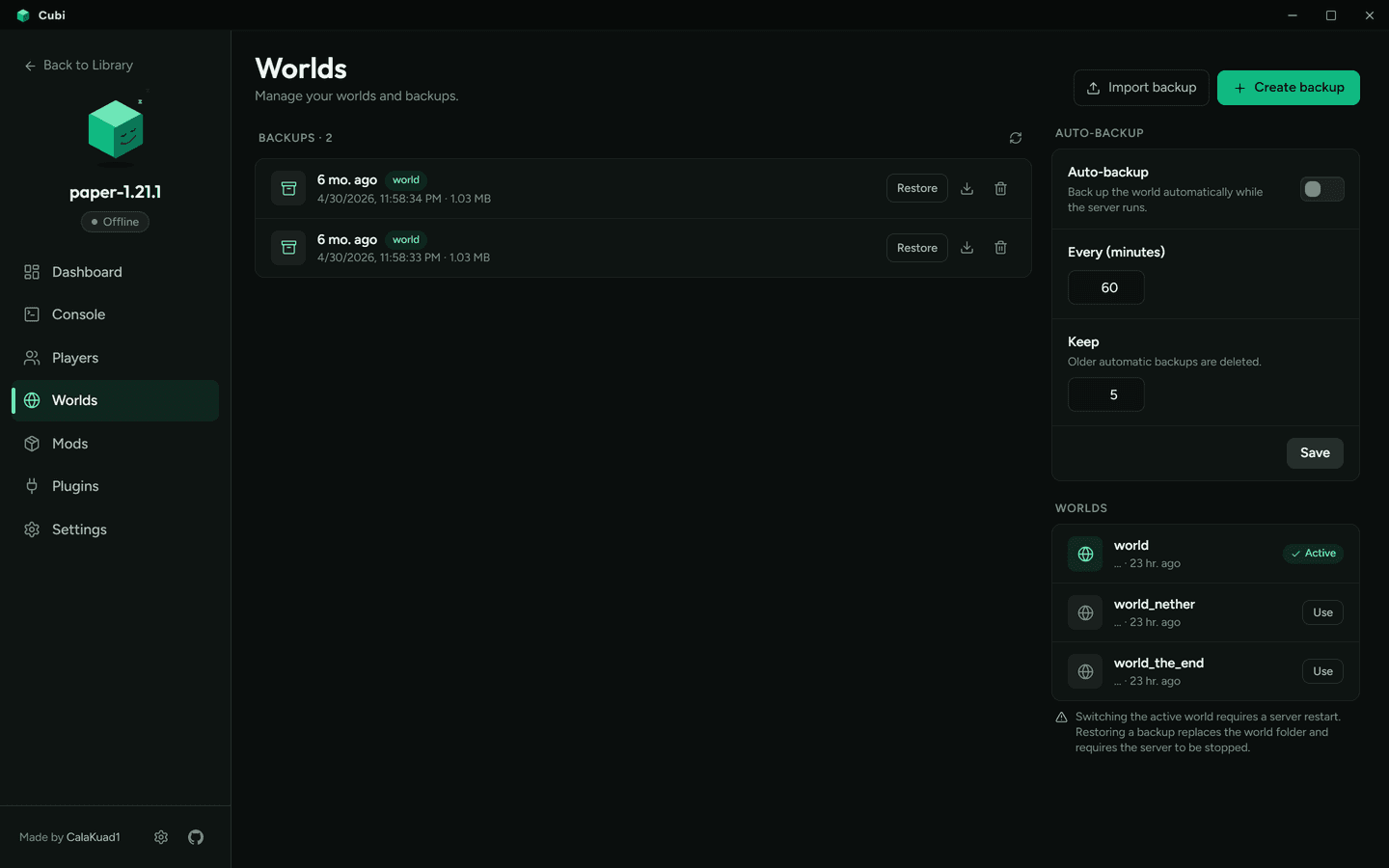
Worlds and backups
Scheduled backups, restore, download and import worlds in one click.
Settings in plain words
Every option explained, RAM presets, live MOTD preview and an unsaved-changes bar.
Automatic Java
The right Java for each Minecraft version is downloaded and kept apart from your system.
Bedrock crossplay
With GeyserMC, phone and console players can join your Java server.
4 languages
English, Spanish, French and Russian.
Play with friends from anywhere
A public address in one click. Link a free playit.gg account for a permanent address, or use the built-in tunnel. No port forwarding.
Know your players
Everyone who joined, with a 3D skin wearing their armor, stats, and their inventory and ender chest with real item icons — modded items too. Op, whitelist, kick or ban in one click.
Mods and plugins without the hassle
Search Modrinth and install mods, plugins and whole modpacks from inside the app. The installed list shows readable names, not jar files.
Your worlds, safe
Automatic backups on a schedule. Restore, download or import a world in one click.